Adding Thermostats
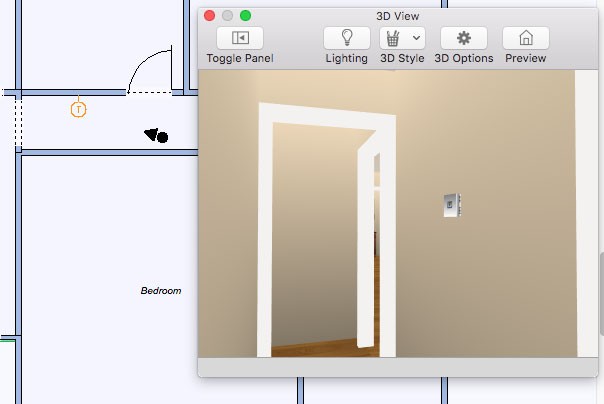
Placing thermostats is exactly like placing wall outlets and switches. You’ll notice that, when placing, the component is automatically “tracked” to the wall segment, making accurate placement simple.
| Below are some references that may be useful as you design |
|---|
| 2D Editing Methods Elevating Objects Applying Paint Colors |
To place a thermostat
1 Choose the Thermostat button  from the Electrical Tools group.
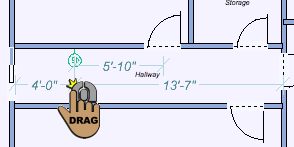
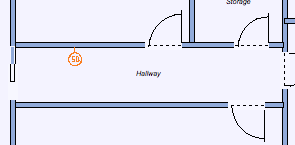
2 Use the Drag Along Wall drawing method to position the thermostat on the side of a wall where you want it and release to place.
 |
 |
|---|---|