Rotated Rectangle

Default UI Menu: Draw/Rotated Rectangle
Ribbon UI Menu:
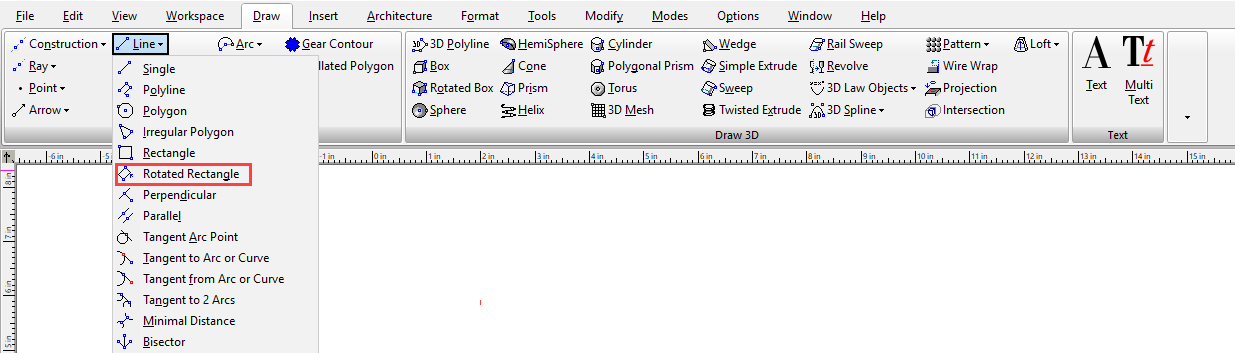
Creates a non-orthogonal rectangle.
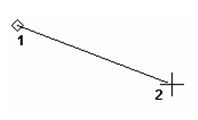
- Select two points to define the base. The angle of this line defines the orientation of the rectangle.
2. Define a third point that specifies the distance from the base to the top.
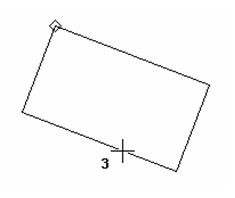
You can also enter the length of both sides and the orientation angle in the Inspector Bar.
Options
Fillet Corners: If this option is turned on a the corners of the polygon will be rounded by filleting. A Radius F field appears in the Inspector bar that allows you to specify the radius of the fillets.
