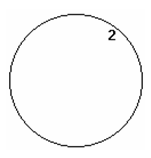
Circle Center and Point

Default UI menu: Draw/Circle/Center and Point
Ribbon UI menu:
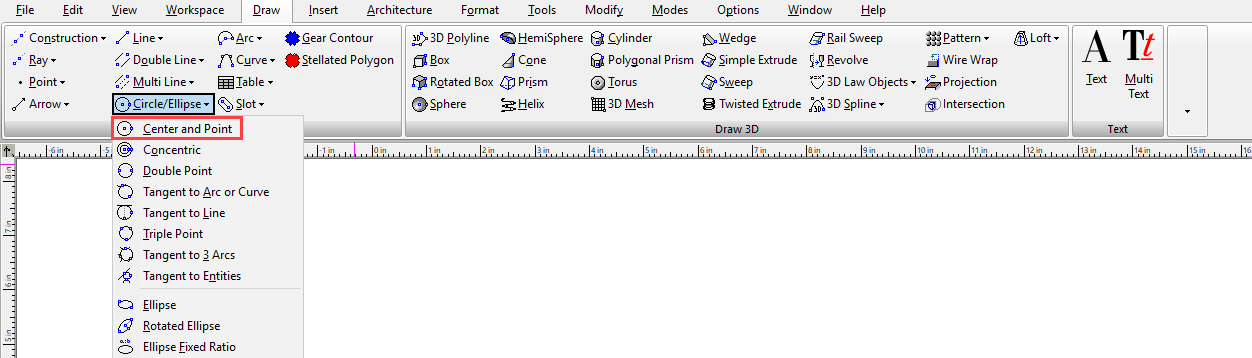
Creates a circle by defining its center and a point on its circumference.
- Select the circle center point. Move the cursor to size the circle.
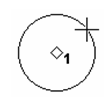
- Click to create the circle, or enter the radius, diameter, or circumference in the Inspector Bar.